Batch generation
Generate many documents of one kind at once, from an archive of folders with scans or from a CSV/XLSX table, with the cost shown before you start.
When one at a time stops making sense
When there are many documents of the same kind, doing them one at a time stops making sense: the time goes not into the document but into repeating the same clicks. The Batches screen takes the whole input at once and lays it out into ordinary documents.
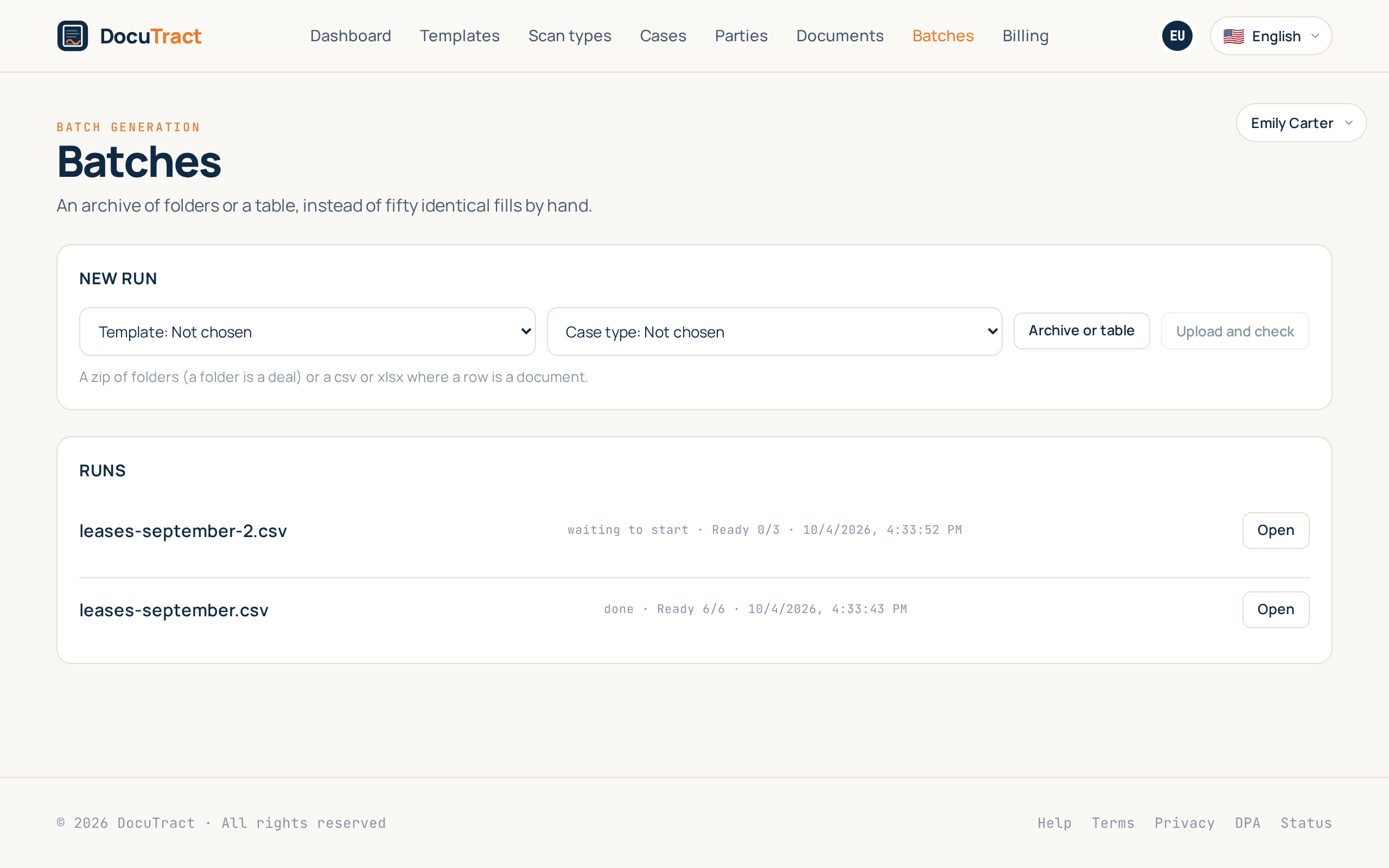
Two ways to give it the input
An archive of folders
One folder is one deal, and the files inside it are its scans. Nested folders are fine: everything under the folder «Кравченко» belongs to Кравченко. If the archive is flat, thirty scans with no folders at all, each file becomes its own document.
A table
CSV or XLSX, where a row is a document and a column is a field. The column header is matched to the
template's field, so «Full name» finds full_name. There are no scans here at all: this is the way
in for an office whose data is already in a system rather than on paper.
Before it starts, you are told what it costs
Uploading starts nothing. We read the file and show what we found: how many items, how many generations it will cost and how many you have left. Only then does the Start button appear.
If there are not enough generations for the whole run, it does not start at all. There is no partial start on purpose: you should understand what you are paying for, rather than discovering at document twenty that the rest is not coming.
What happens next
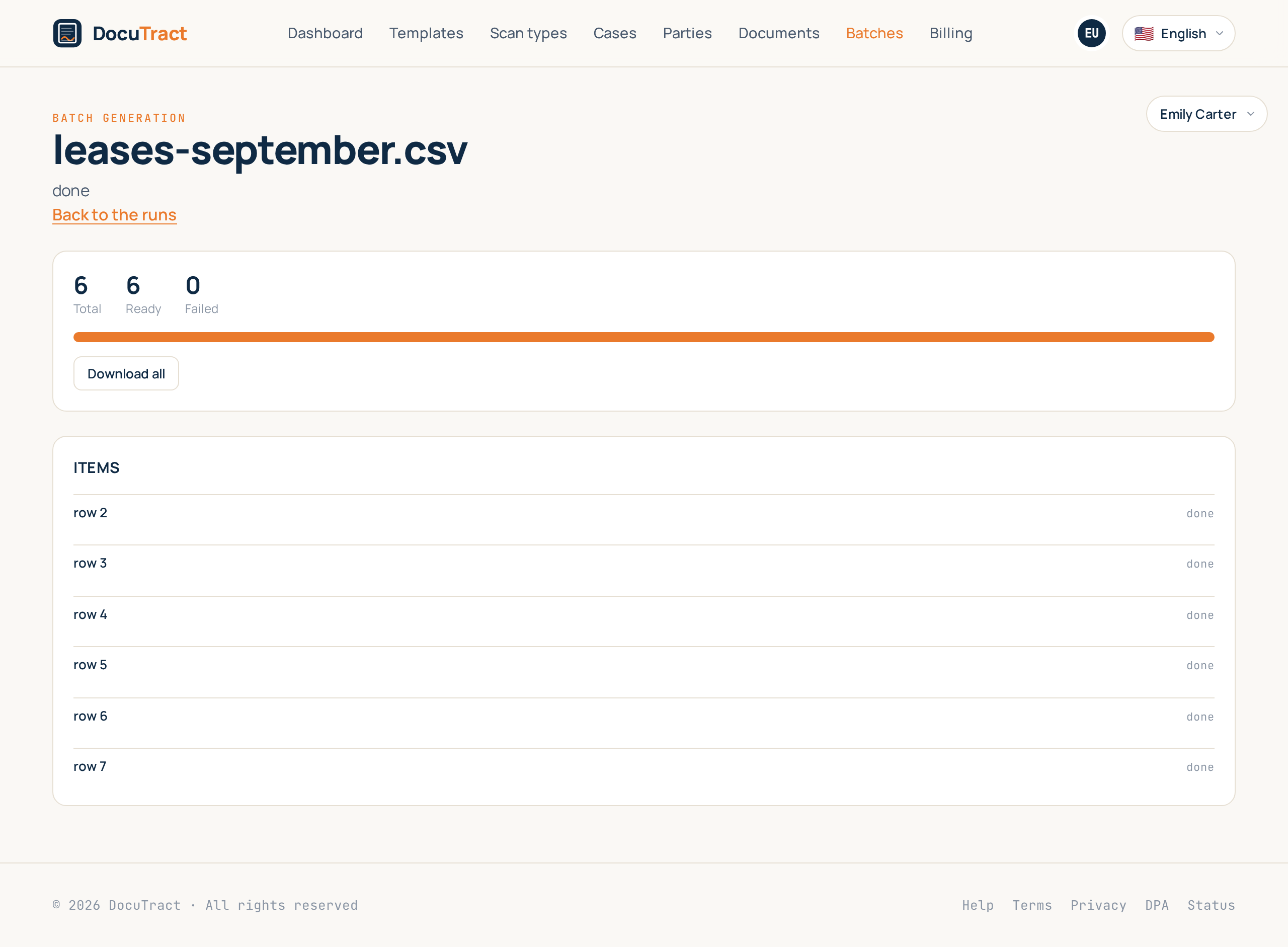
The run goes to the queue, at most a few items of your workspace at a time, so that one large archive does not take the whole queue. Each item travels the ordinary path: the scans are read, the values are filled in, the document is generated. The quota is spent per finished document, so an item that failed costs nothing.
If the run takes longer than a few minutes, we write to you when it ends.
When something does not work
A run does not stop because of one broken folder. That item is marked with the reason in plain words, the rest goes through to the end, and the run finishes as «partial».
- Retry the failed starts only the items that did not work. The finished ones are not touched and are not paid for twice.
- Download all gives you the finished documents as one archive even if some are still missing: twenty-eight finished documents are worth having while you sort out the other two.
- Stop ends the queueing of new items. The ones already running are taken to the end, so no half-generated files are left behind.
An empty folder or an empty row is marked as skipped rather than failed: it is not a malfunction but what was in the input file, and there is nothing to retry.