Fill online from the website
Fill a ready template straight from its catalogue page, without an account: preview the first page, pay once, and the document joins your account.
No account needed to start
Some templates can be filled straight from a public page on the site. You do not need an account, a subscription or a template of your own: open the document's page in the catalogue of ready templates, start filling and type in the values.
This is the quickest way to get a single document: one employment order, one act, one lease.
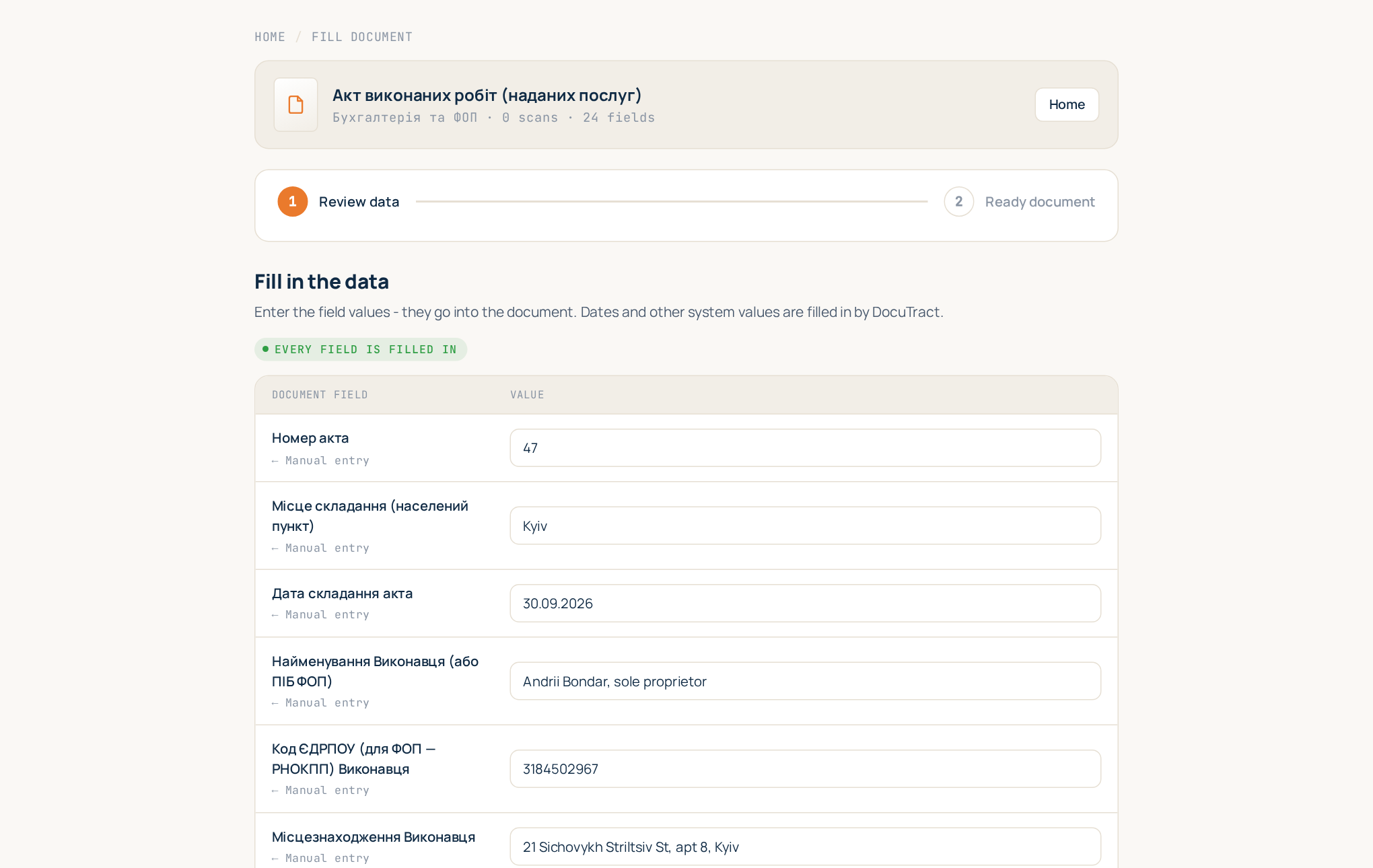
How it works
- Open the template's page in the catalogue and start filling it online.
- Fill in the fields. The form asks for exactly what the document needs: names, codes, dates, amounts. If the document has a table of goods or services, use Add row and Remove row to make it as long as you need (see Tables with a variable number of rows).
- See the preview. Filling and preview are free. You see the first page of your document, filled with your values, so you can check that it is the right document and that it reads well.
- Pay once, no account needed. Tick the consent to the terms under the preview and press Pay. The payment opens on Stripe's secure page: card, Apple Pay or Google Pay. Enter your email there; the receipt and the document go to it. To send the document to another address, tick Send the document to another email. For company paperwork, tick I need an invoice for a company and enter the company name and its EDRPOU code or RNOKPP tax number.
- Download. Right after payment the same page shows Download .docx and Download PDF, and an email with the links arrives. The document and the links work for 30 days.
What happens to your document
A paid document is kept for 30 days. To keep it for good, press Save to an account: you sign in or create an account, and the document moves into your workspace under Documents.
If the email does not arrive, check your spam folder or press Send again; if the address was mistyped, use Change the address. The document can always be downloaded on the payment page.
If you leave the page for too long, the guest session expires and you are asked to start filling again.
Online fill or your own template?
The online fill is made for one-off documents and for documents you type in by hand. If you prepare the same document regularly, or you would like the values read from scans instead of typed, create your own template: Create a template from a blank or from a finished document. A subscription is then usually cheaper than paying per document; compare on the pricing page.
Good to know
- Price. The one-time price is shown on the payment button, before you pay.
- Payment. Payments are processed by our payment provider; we never see your card details.
- Legal check. Ready templates follow the law, but for anything important have a lawyer review the result for your case.