One set of scans, several documents
Cases are live. A deal is rarely one piece of paper, so DocuTract now fills the whole pack from a single upload, with each value read once and shared by every document that needs it.
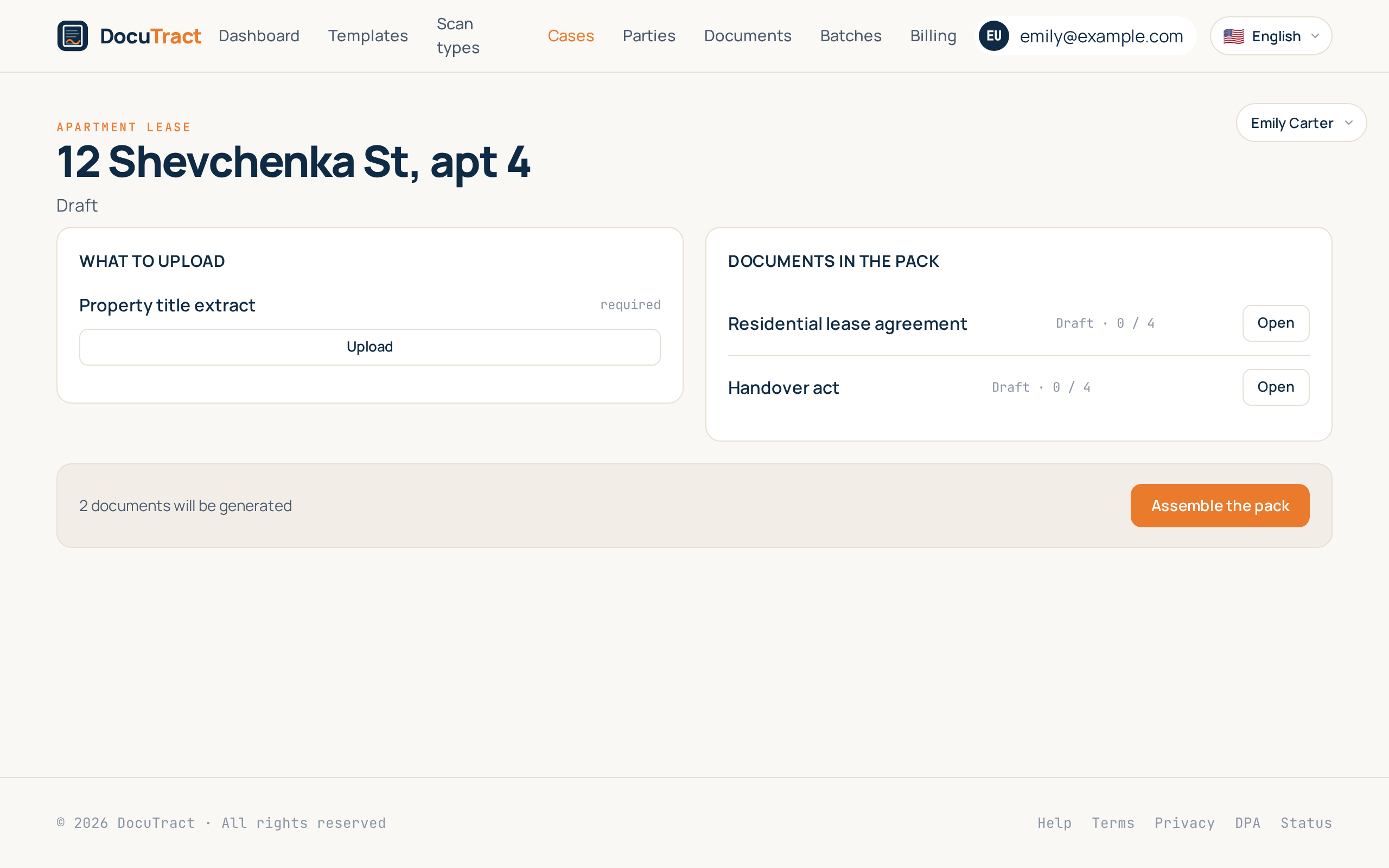
The second feature of the wave answers a complaint we heard in almost the same words from everyone: "it is never one document". A lease comes with a handover act and usually an invoice. The three are different papers with different wording, and they are filled from the same five scans. Until today DocuTract made you upload those five scans three times and check the same tenant's name three times.
Now a deal is a case, and the case is the thing you work in.
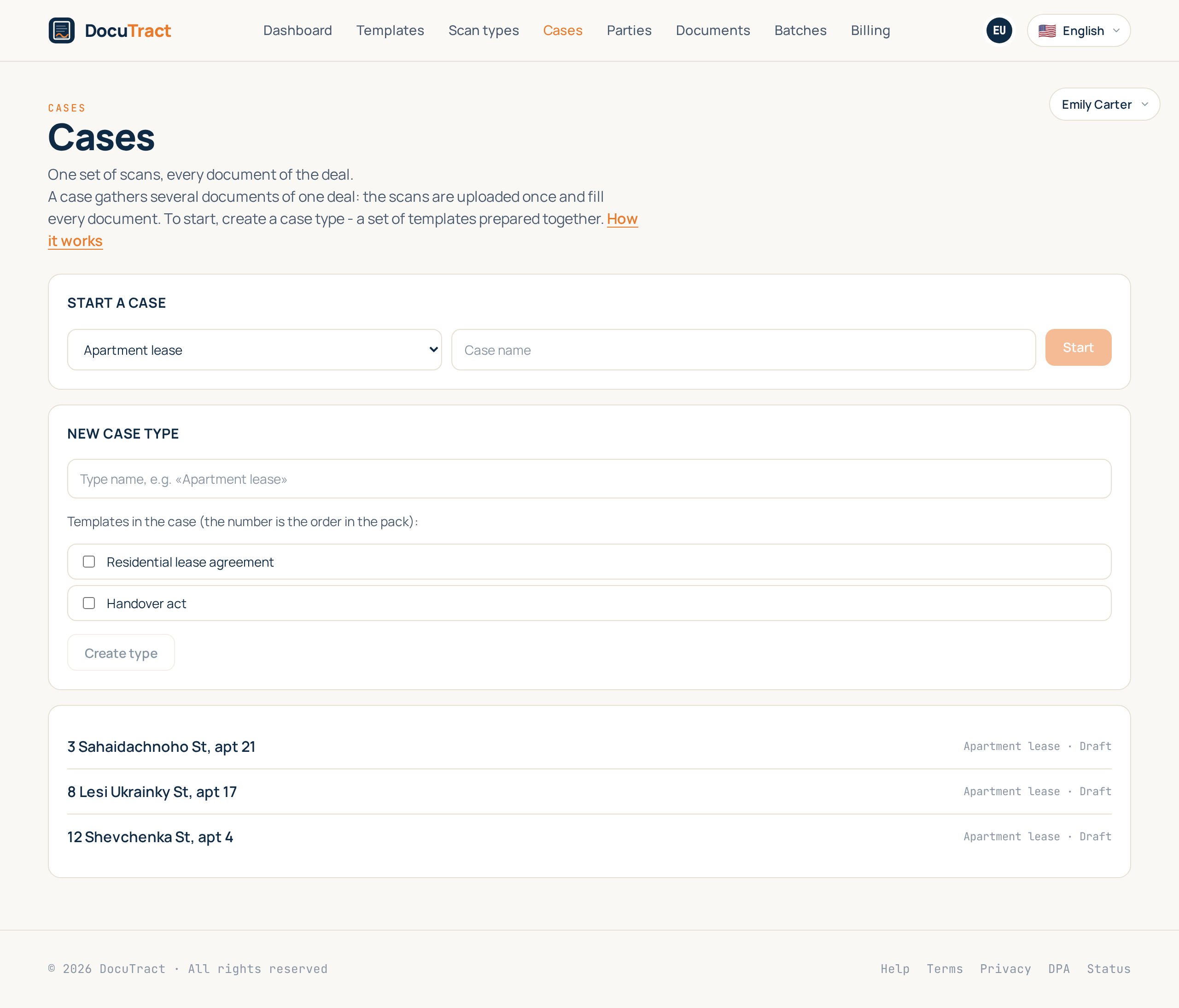
Describe the pack once
A case type is the set of templates you always prepare together, in the order you prepare them. You define it once: "residential lease" is the lease, the act and the invoice. After that, starting a case is two fields: which pack, and what to call this deal.
Upload once, for all of it
The case asks for the union of what its templates need, by kind of document. Three templates asking for a property title extract is one line on the screen, not three. Send it once and every document that needed it has it.
The values work the same way. A scan is read once, each value keeps the page it came from, and the reading is shared: the tenant's name goes into the lease, the act and the invoice at the same moment. Correct it on one of them and the correction travels to the others.
With one exception, and it is deliberate. If a document already carries a correction of its own, it is left alone. Sometimes a paper genuinely says something different, and a product that "helpfully" overwrote that would be worse than one that does nothing. A value belongs to the case; a deliberate difference stays a deliberate difference.
One button
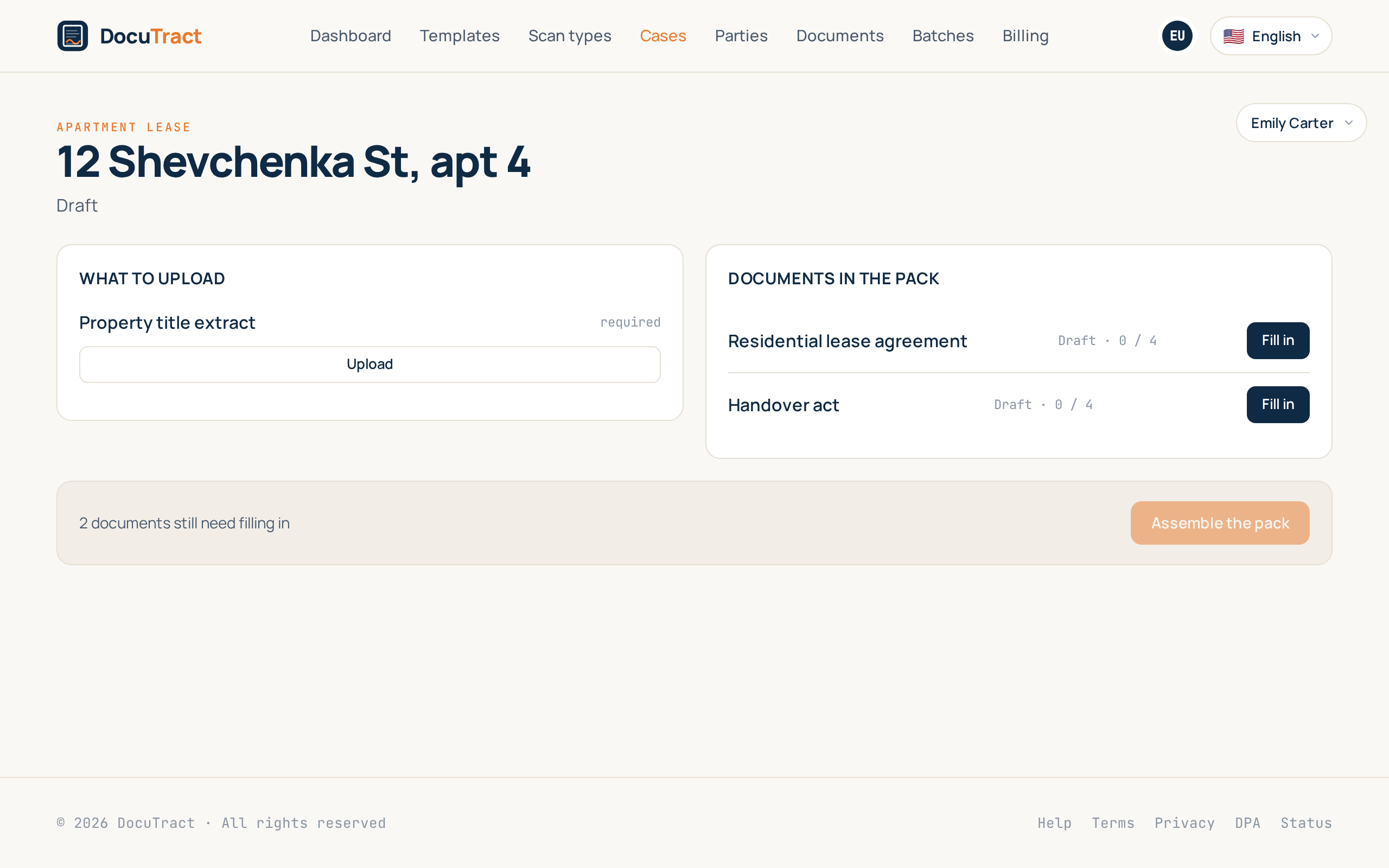
Assemble the pack generates every document that is not generated yet. Before you press it the screen says how many that is, because that number is also the price: a pack of four is four generations.
If your plan does not have that many left, nothing runs. You are told what the pack needs and what you have, rather than ending up with two finished documents, two missing ones and no idea which is which. The finished pack downloads document by document or as a single zip.
Nothing you already know has moved
A document is still a document. It opens on its own screen, its values are corrected there, and a template you fill on its own works exactly as it did, and the word "case" never appears in that flow.
Underneath, every document now lives in a case, including the ones you prepared before today: they were migrated into a case of their own, with their scans, when this release landed. A case of one document behaves precisely like a document did, which is why nothing about the single-document flow had to change.
What is next
The third feature is cross checks: when two of the scans in a case disagree (a name spelled differently, an amount that does not add up, a date outside the period), DocuTract will show the conflict before you generate anything, with both values and both sources.
The full list is in what we are building next, and the step by step for cases is in the help centre.
Keep reading
A template from the document you already have
You do not need to mark up a contract by hand to turn it into a template. Upload a finished document, and DocuTract proposes which parts change from client to client.
A password is no longer enough
Two-factor sign-in is live. Add an authenticator app to your account, and a stolen password stops being a way into your documents. Workspace owners can require it of the whole team.