Send a link instead of chasing files
The first feature of the new wave is live: your client uploads their documents themselves, through a private link, with no account and nothing to install.
Until today DocuTract started one step too late. Before you could fill anything, someone had to collect the scans: a photo in one messenger, a PDF attached to a mail, a second copy of the same page because the first one was unreadable. The product did its part in seconds, after a morning of admin that it had no part in.
That step is now inside the product.
Ask, and the client sends
Open the document you are preparing and click Ask the client for the documents. DocuTract creates a private link, and that is the whole action: copy it, send it by mail, chat or messenger, and get on with something else.
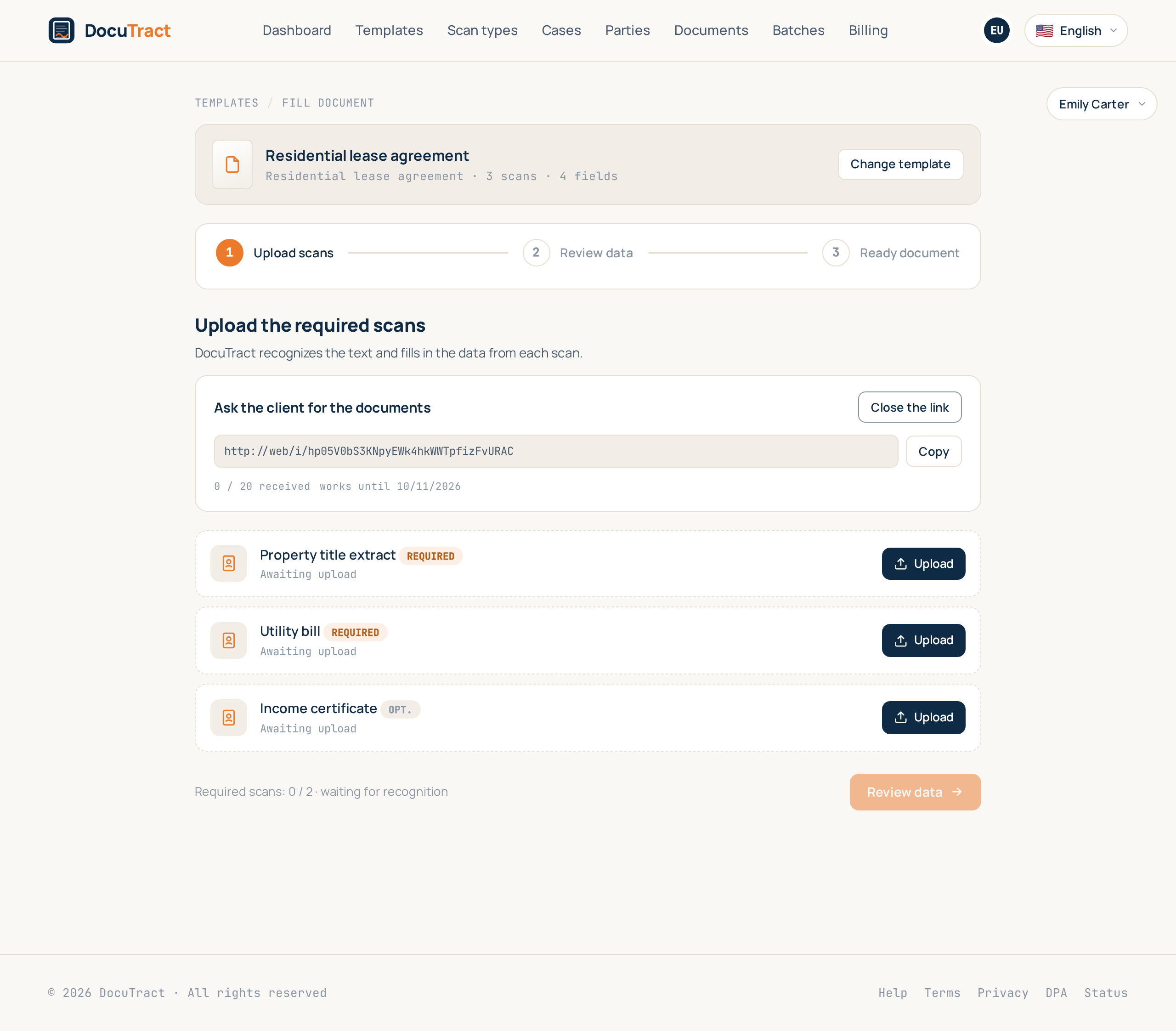
The panel stays beside the document. It shows the link, how many files have arrived out of the budget, and the day it stops working, so you can tell at a glance whether the client has done their part without writing to ask.
What the client actually sees
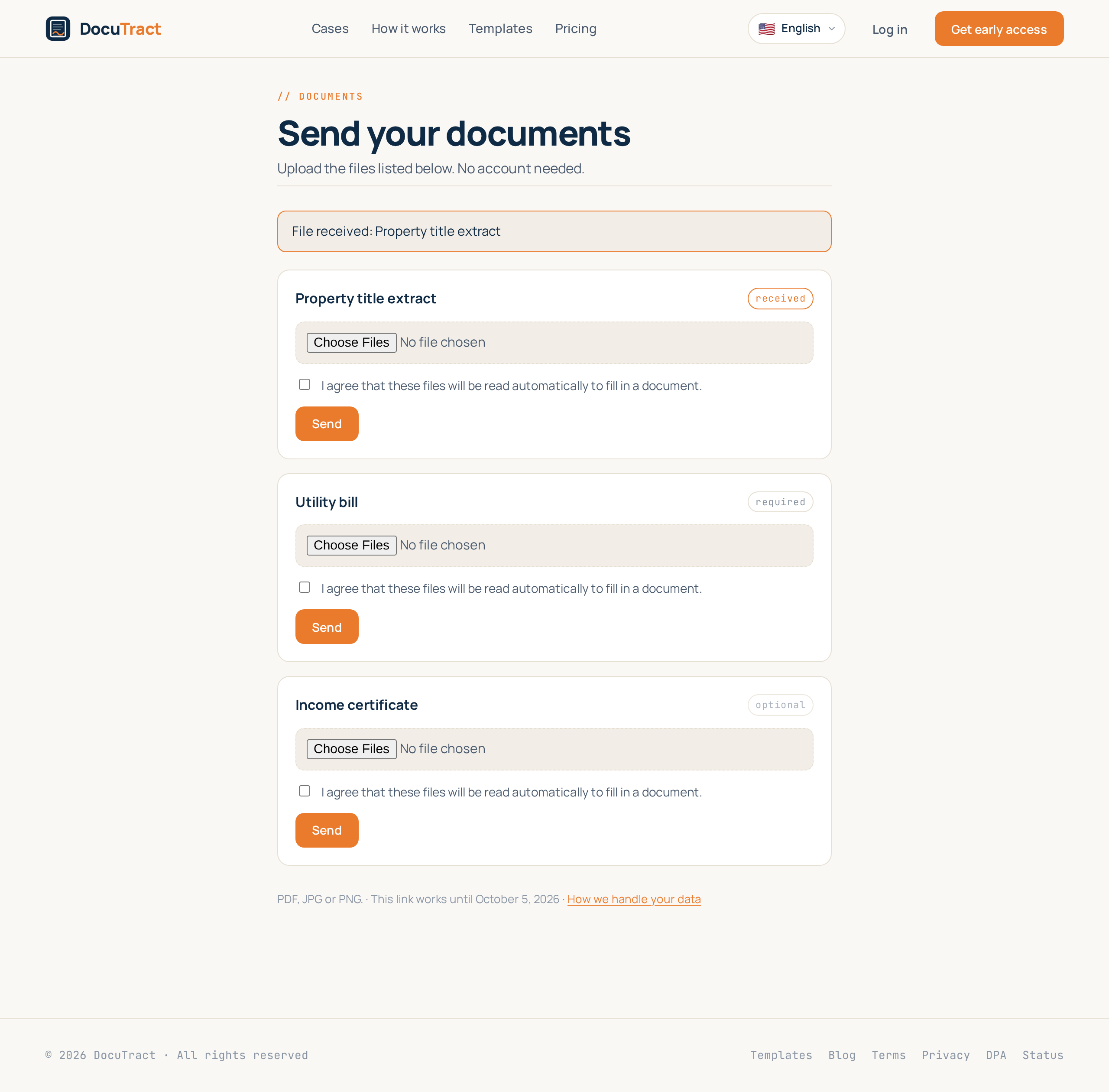
One page, in the language you were working in, and nothing else. No account, no sign-up, no app. The documents to send, one upload control each, and a line saying which formats we read.
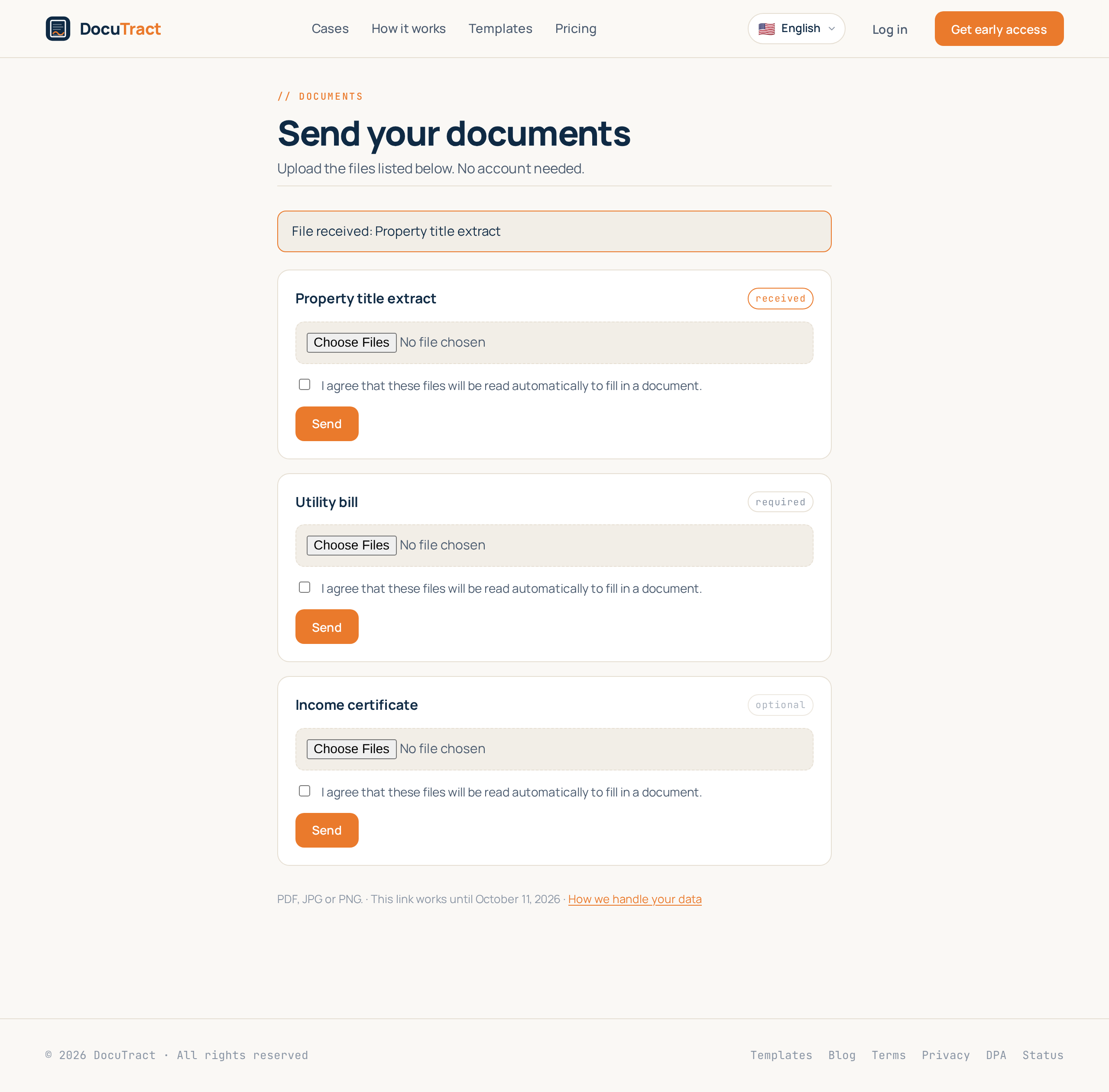
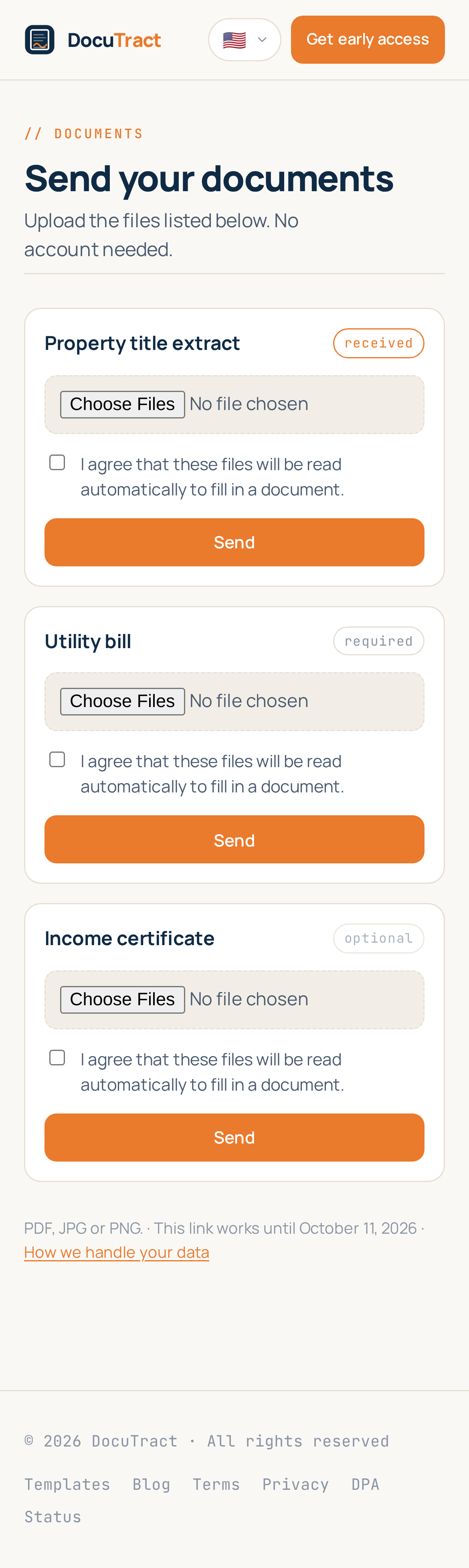
Files already sent are marked received, so nobody sends the same page twice. Most clients open this on a phone, photograph the document and are done, so the page is built for that first.
Then it is simply your document
An uploaded file becomes a scan of your document at once and goes through the same recognition everything else does. By the time you open the document the values are already extracted, each with the page it came from. Every scan is labelled with where it came from, so you can see what the client sent and what you added yourself.
Nothing downstream is special-cased: generation, sources and quotas work exactly as they did. The only thing that changed is who did the uploading.
The link is a door, so it has locks
A link is a public address, and we treat it as one. Three limits are checked on every single visit, not swept up later by a job:
- It expires. Seven days by default, thirty at most. After that it is dead.
- It has a budget. Twenty files by default. Once they have arrived it stops accepting.
- You can close it. Close the link takes effect immediately; anyone opening it afterwards is told it no longer works, and is told nothing else.
The address itself is thirty-two random characters, the page is never indexed, uploads are rate limited, and the file gate is the same one your own uploads pass: PDF, JPG and PNG, checked on the actual bytes rather than the file name. The client sees the document list and nothing about your workspace, your template or your other documents.
If the client only ever uses mail
Some clients will send a mail no matter what you give them. Where an intake address is configured, the link has one too: forward the message and the attachments land in the document, filling the empty slots in order. What we cannot read is left out and listed in the link's history, so you can see what arrived and ask for what is missing.
Where to find it
The panel is on the upload step of any document you are filling. How many links you can keep open at once depends on your plan; if you have reached the limit, close one you no longer need. The step by step is in the help centre.
This is the first of the seven features we described in what we are building next. The next one groups several documents of the same deal into one case, so a single set of scans fills all of them.
Keep reading
A template from the document you already have
You do not need to mark up a contract by hand to turn it into a template. Upload a finished document, and DocuTract proposes which parts change from client to client.
A password is no longer enough
Two-factor sign-in is live. Add an authenticator app to your account, and a stolen password stops being a way into your documents. Workspace owners can require it of the whole team.