When documents start in another system
The public API and webhooks. A token for your system, an address we write to when a document is ready, and a delivery log that shows exactly what your server answered.
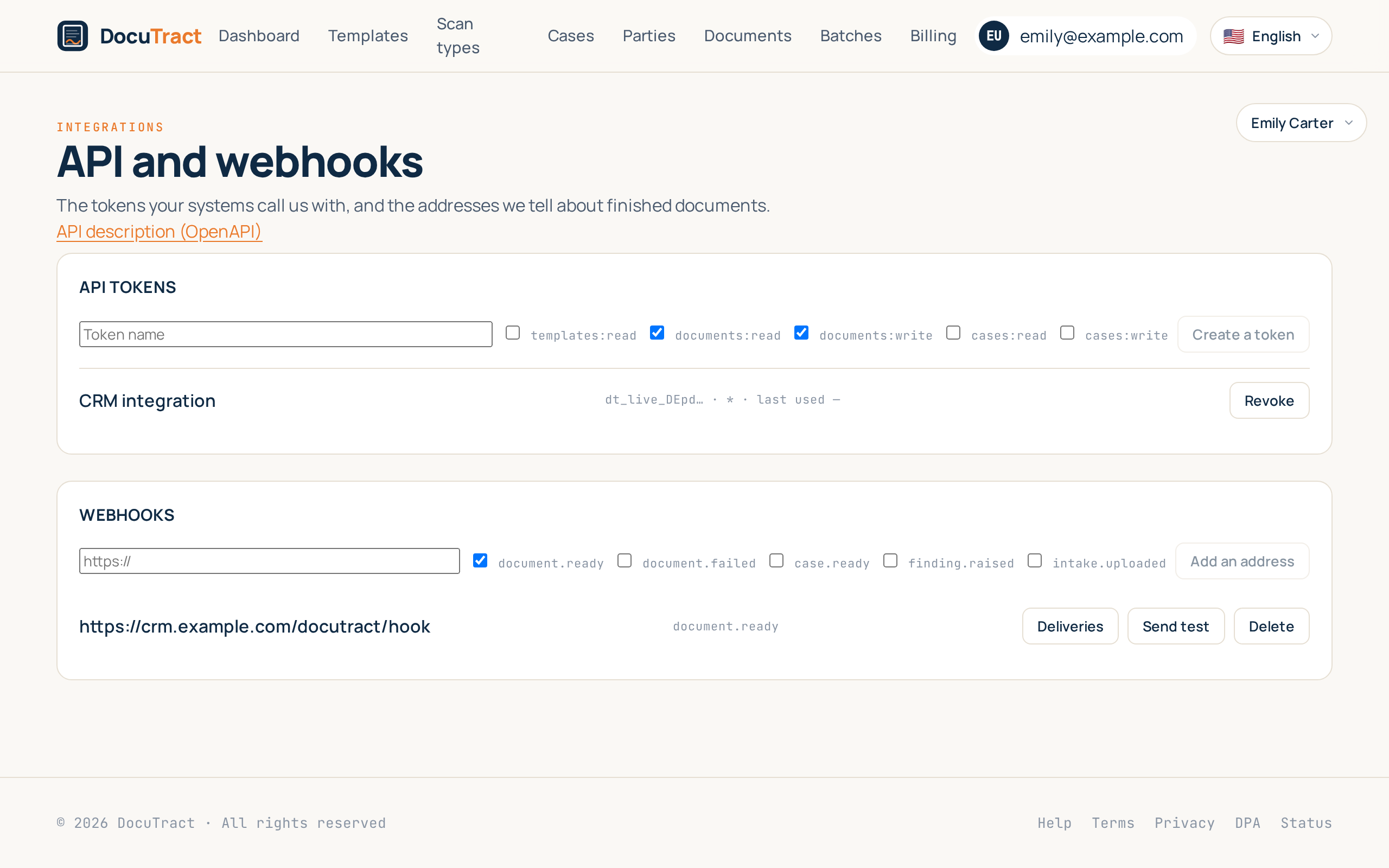
The question that comes up in the second meeting: «do you integrate with our system?». Up to now the honest answer was no. Now the answer is this: you have a portal, a CRM or an accounting system where the deal already exists, and DocuTract can work as a part of it.
The sixth feature of the wave is the way out. A token your system calls us with, an address we write to on our own, and an open description of everything in between.
A token we cannot show you twice
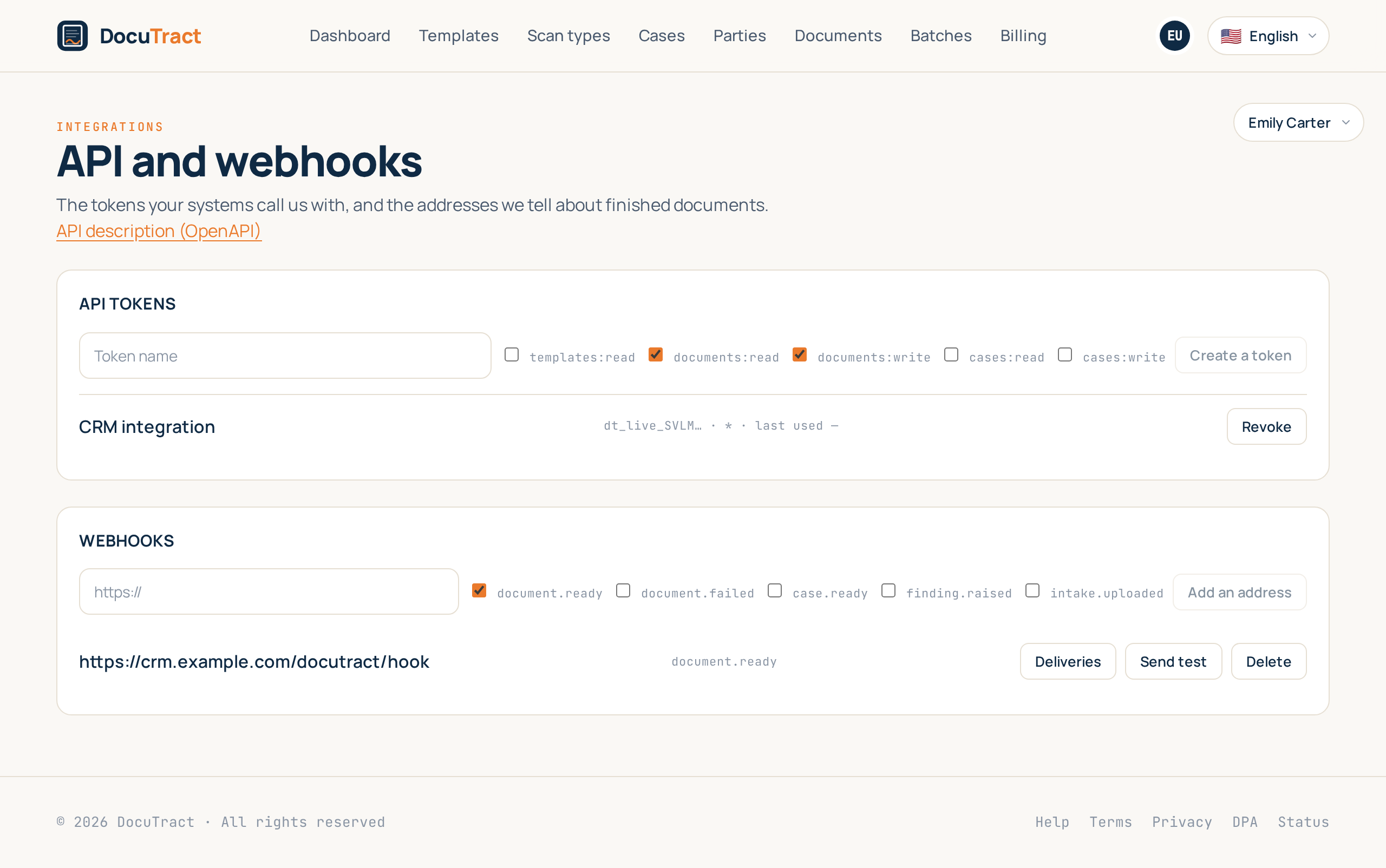
A token is created on the Integrations screen: a name you will recognise later, so you know which system is using it, and a list of what it is allowed to do. Then it is shown once.
That is not forgetfulness, it is how a product that holds somebody else's key has to work. We keep only a hash: showing the token a second time is something even we cannot do, which means it cannot be stolen from us. The list keeps the first characters, the permissions and the date it was last used, so it is visible which token is alive and whether anybody is still using it.
Revoke switches it off instantly. The record of it stays: that it existed and when it stopped working is part of the workspace's history, not litter.
Permissions are checked on each address separately. A token allowed only to read templates gets a plain «the documents:write scope is missing» when it tries to create a document, not an empty «not found». We assume a live person is wiring the integration up, and an answer that explains nothing costs them an evening.
What the API can do
As much as you can on the screen, only without the screen: open a case and upload scans into it, create a document from a template with the values already filled in, ask what stage it has reached, take every value together with the scan each one was read from, and get a short-lived link to the finished file.
That last part is what makes this integration unlike the others. Your system receives not just a filled file but every value with its provenance: the scan, the field, how confident the reading was. The same source a person sees on the review screen is available to code.
The description of every address and field is generated from the code itself and published openly, with no token: /api/v1/openapi.json. Documentation you have to ask for first is documentation nobody reads.
Webhooks and an honest log
You do not have to ask us whether a document is ready. Give us an address and tick the events: document ready, document failed, case ready, a disagreement found, a client sent a file.
Every request is signed, and the secret that verifies the signature is shown once, like the token. If your server answered something else, or did not answer at all, we try again: after a minute, after five, after half an hour, after two hours and after ten. Then we stop, because an integration nobody is maintaining should not spend somebody's resources forever.
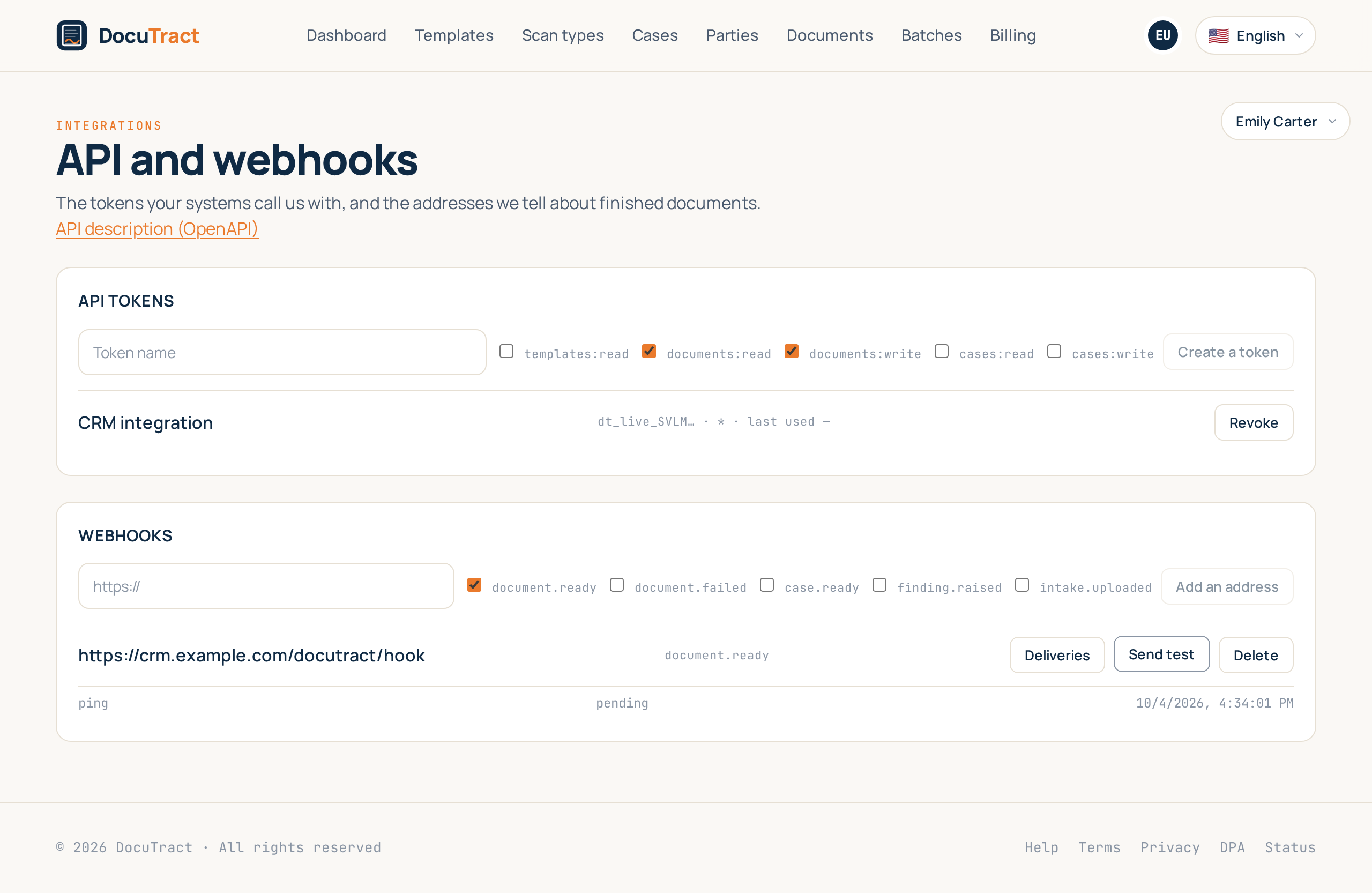
And then the part all of this was written for. When the other side says «our system received nothing», the answer is on the screen: the event, the time, how many attempts, what response code came back and the beginning of the response body. It is visible that it answered 500 five times. This is not a debugging aid for us, it is an answer for your engineer.
Beside it, two buttons for the hour when an integration is still being set up. Send test posts a trial request right now, without waiting for a real event, so a receiver can be checked before any work goes through it. Retry, next to a failed delivery, makes one more attempt immediately and does not reset the history: the four failed attempts stay in the record, because that is the truth about what this notification cost.
The limits we put on ourselves
A webhook goes only to https and only to a public address: an address inside a private network is refused both when it is saved and before every attempt, because a hostname that pointed outwards yesterday can point inwards today. The rate limit counts per token rather than per address, so a neighbour on the same server does not spend your quota, and going over it gets an honest «come back in this many seconds».
The API and webhooks are part of the Team plan. If a workspace moves to another plan, what has already been created stays visible and can be revoked: keys nobody can reach are worse than a paid feature.
What is not in this release
The brief for this phase described two more parts: exporting a finished document to Google Drive, OneDrive or Dropbox, and sending it for signature through DocuSign or Dropbox Sign. Both need credentials from those providers, which we do not have right now, and writing an integration that cannot be tested anywhere means passing unwritten code off as finished. They stay in the plan as releases of their own.
What is next
The seventh and last feature of the wave is batch generation: a fifty-row list or an archive of scans instead of fifty identical fills by hand, with visible progress and the option to repeat only the ones that did not work.
The full list is in what we are building next, and the step-by-step instructions for integrations are in the help centre.
Keep reading
A template from the document you already have
You do not need to mark up a contract by hand to turn it into a template. Upload a finished document, and DocuTract proposes which parts change from client to client.
A password is no longer enough
Two-factor sign-in is live. Add an authenticator app to your account, and a stolen password stops being a way into your documents. Workspace owners can require it of the whole team.