Thirty documents in one go
Batch generation. An archive of folders or a table instead of thirty identical fills by hand, with visible progress and the option to repeat only what did not work.
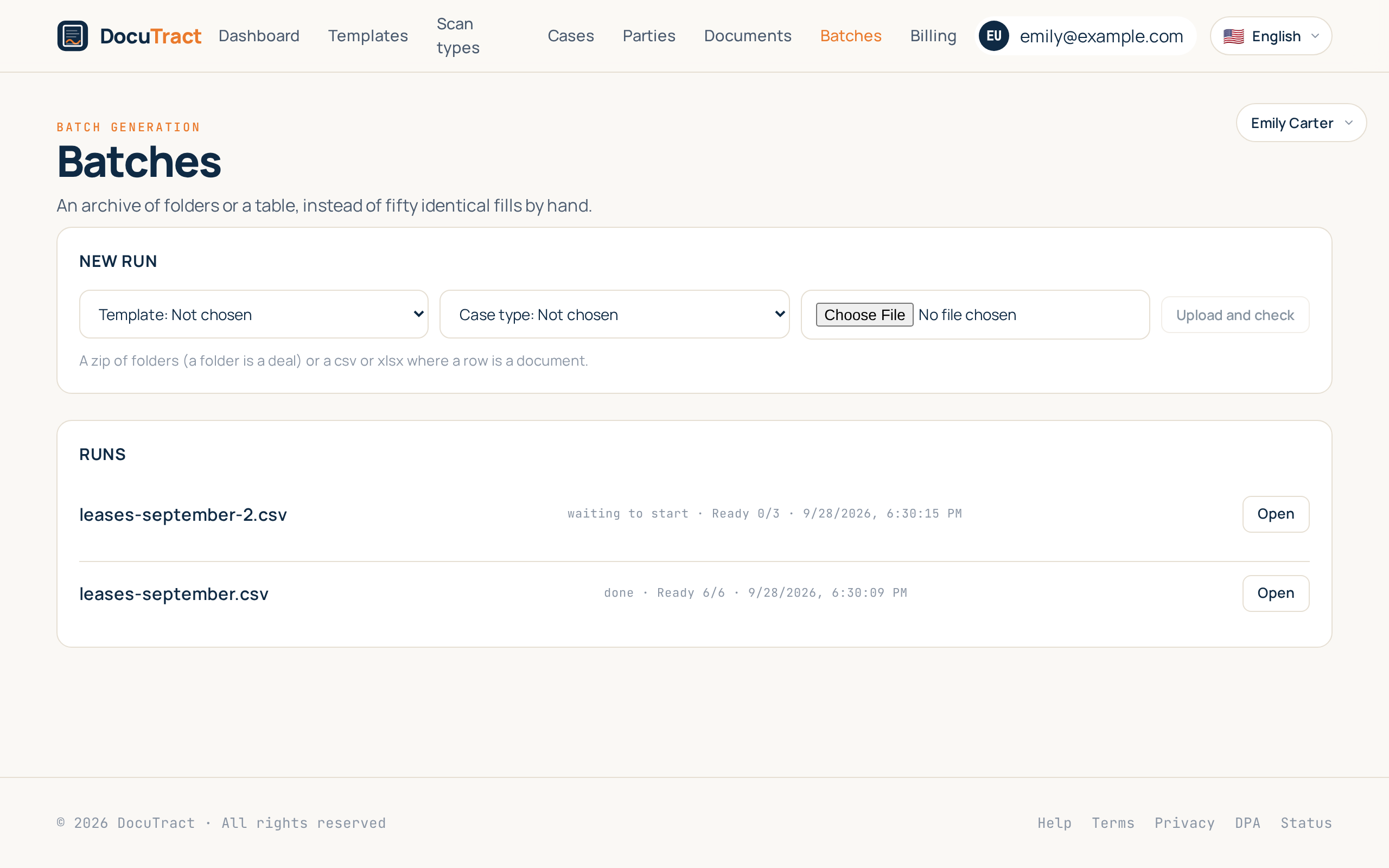
The seventh and last feature of the second wave closes the thing the wave started from: DocuTract makes one document conveniently and thirty inconveniently. Thirty employment contracts are thirty times the same six steps: create, choose the template, upload the scan, check the values, generate. The time goes not into the document but into the repetition.
Now the input is taken whole.
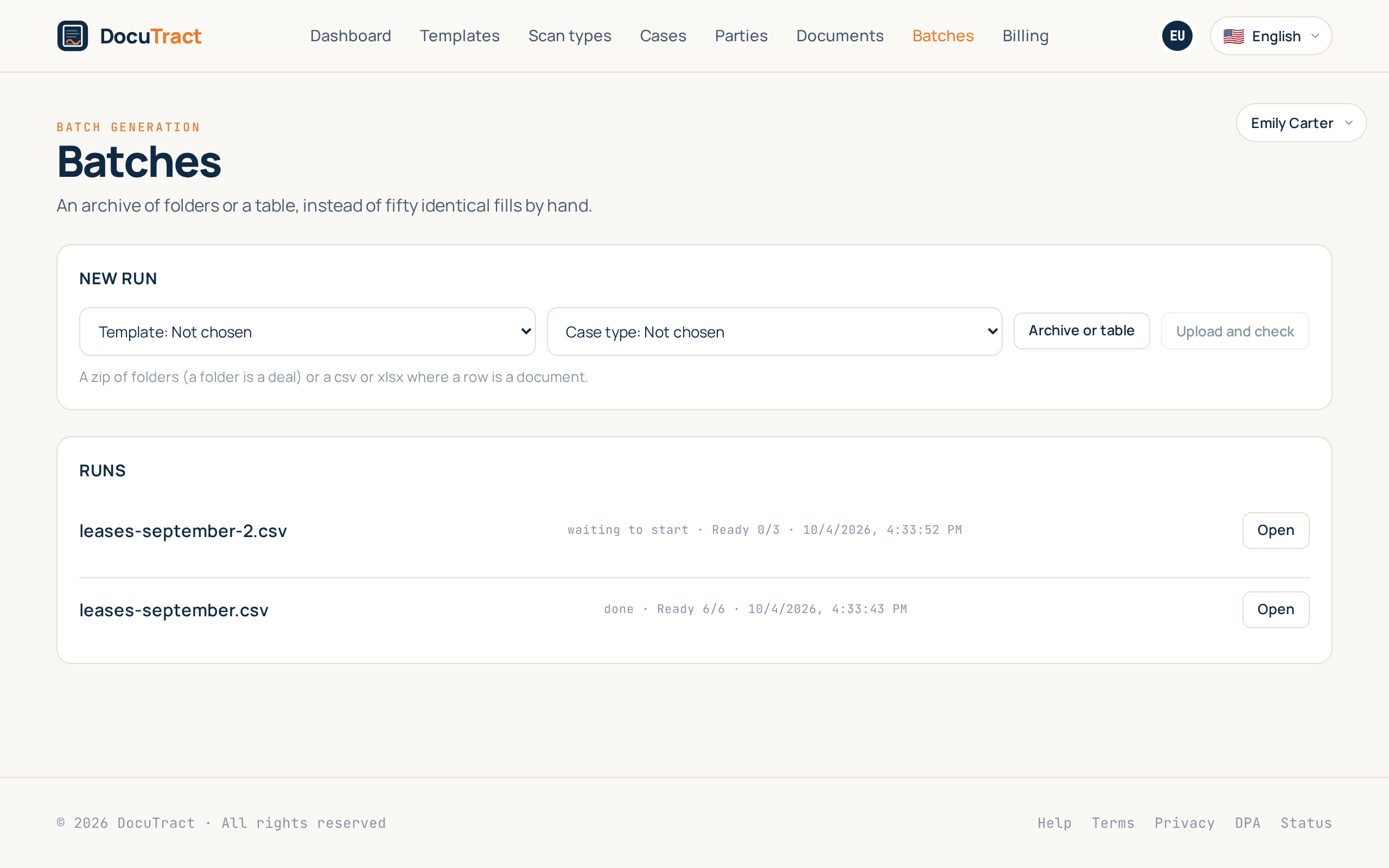
Two inputs, because an office has two
An archive of folders. A folder is a deal, the files inside it are its scans. Nested
folders are fine: everything under «Кравченко» belongs to Кравченко, even when it sits in a
subfolder called «скани». An archive made on a Mac carries __MACOSX and .DS_Store, and
we do not show those as deals of their own. Cyrillic folder names are read the way they were
written, not as «Ð равченко». These are the details that decide whether an import
works on the first try.
A table. CSV or XLSX, a row is a document, a column is a field. The header is matched to
the template's field, so «Full name» finds full_name, and the semicolon an Excel in this
part of the world writes reads the same as a comma. A column the template does not have
stops the run before it starts, and names itself. Finding out on row two hundred that
the product has been quietly ignoring a column is worse than not starting at all.
First you are told what it equals
Uploading starts nothing. We read the file and show it: thirty items found, thirty generations it will cost, twelve left. And only then the Start button.
If there are not enough, the run does not start at all. There is no partial start on purpose: a person who uploaded thirty folders and got twelve documents now has to work out which eighteen are missing and whether they were billed for them. There is nothing worse than that.
The money itself is spent as always, one document at a time as each is finished. So an item that failed costs nothing.
A run that does not stop for one folder
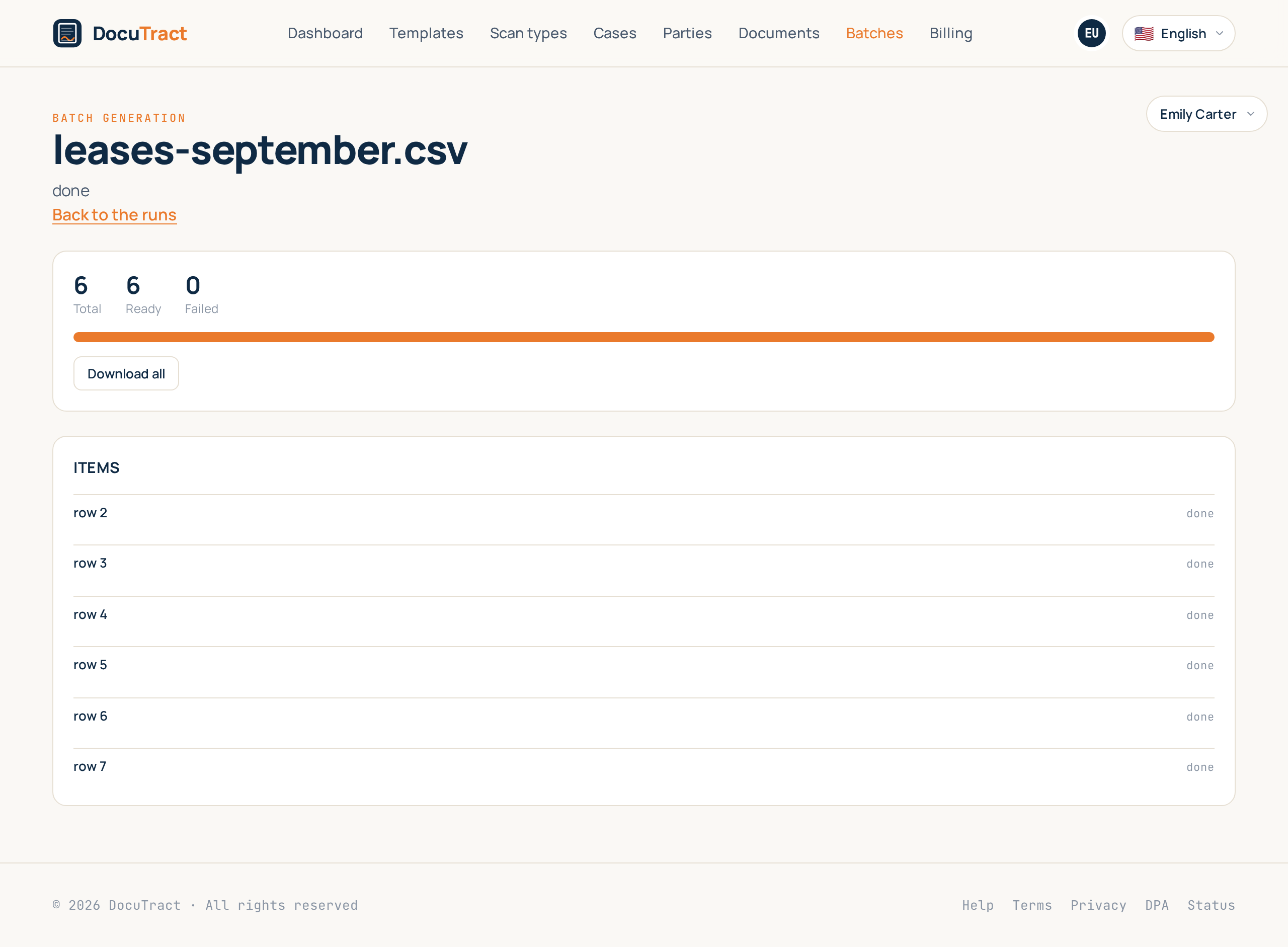
Two folders arrived corrupt. That is no reason to stop the other twenty-eight. Those two items get their reason in plain words, the rest goes through to the end, and the run finishes as «partial», because it is neither done nor failed, and calling it either would be a lie.
Then two buttons. Retry the failed starts exactly the rows that did not work: the finished ones are not touched and are not paid for twice. Download all hands back what exists as one archive even while two items are still being sorted out, because twenty-eight finished documents are worth having now.
The files in the archive are named the way your input was: «Кравченко.docx», not our internal reference. That is the name you will be looking for.
Why it does not take the whole queue
There is no new machinery inside: the same cases, the same workers, the same quota. The one thing added is a concurrency limit: at most a few items of one workspace run together. A customer with an archive of three hundred folders should not stand in the queue ahead of somebody who pressed «generate» on one document, and now does not.
An empty folder or an empty row is marked as skipped rather than failed. It is not a malfunction, it is what was in the input file, and there is nothing to retry.
If a run takes longer than a few minutes, a mail about it arrives when it ends. A shorter one sends nothing: the person is still looking at the screen, and mails nobody needed are how all notifications end up switched off.
What is next
That completes the second wave: collecting documents from the client, cases, cross checks, the parties directory, conditional blocks with template versions, the API with webhooks, and batch generation. Seven features, each removing one kind of manual work rather than adding one more screen.
The step-by-step instructions for batches are in the help centre, and the full list of what was planned is in what we are building next.
Keep reading
A template from the document you already have
You do not need to mark up a contract by hand to turn it into a template. Upload a finished document, and DocuTract proposes which parts change from client to client.
A password is no longer enough
Two-factor sign-in is live. Add an authenticator app to your account, and a stolen password stops being a way into your documents. Workspace owners can require it of the whole team.