Catching disagreements before you sign
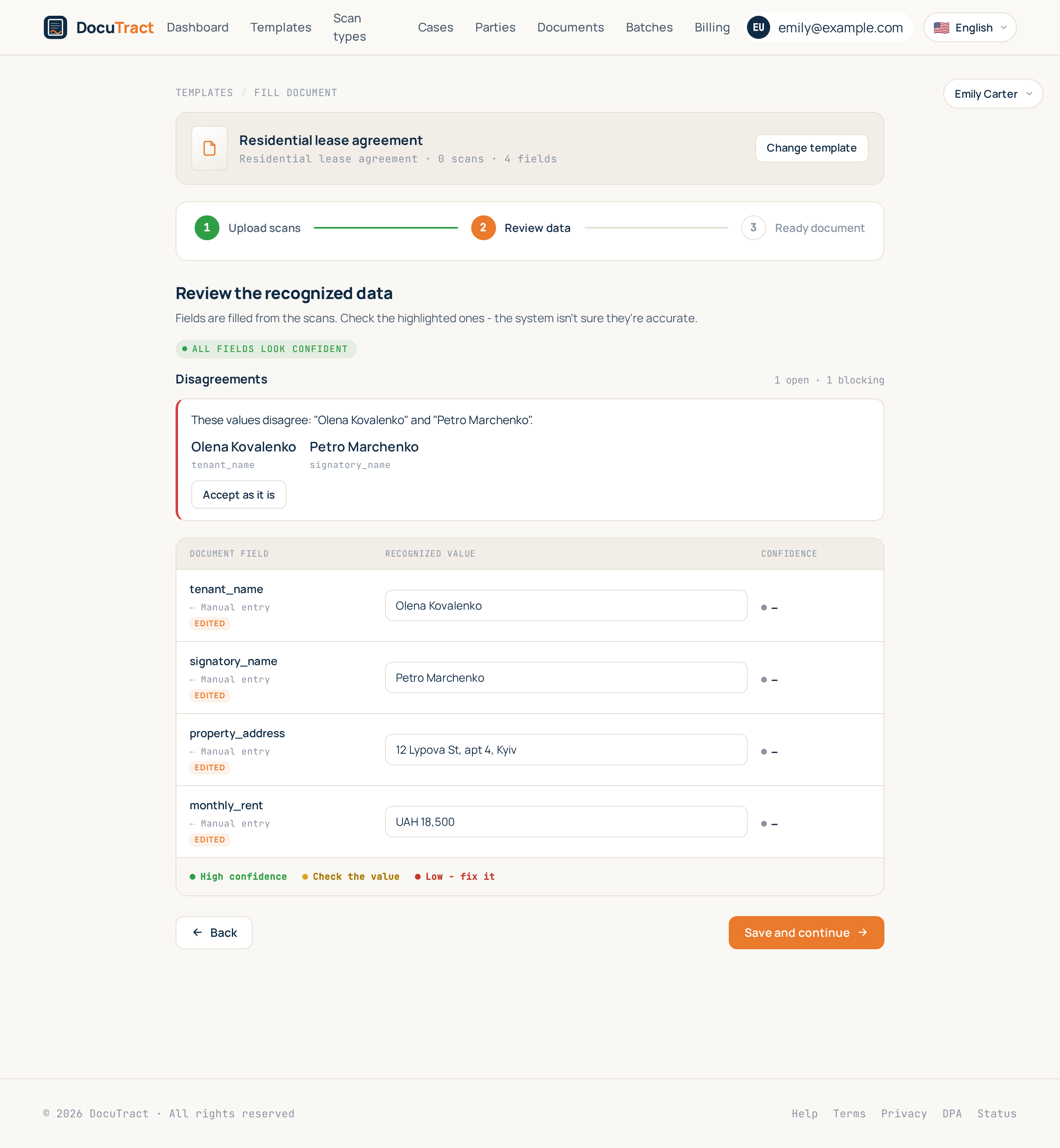
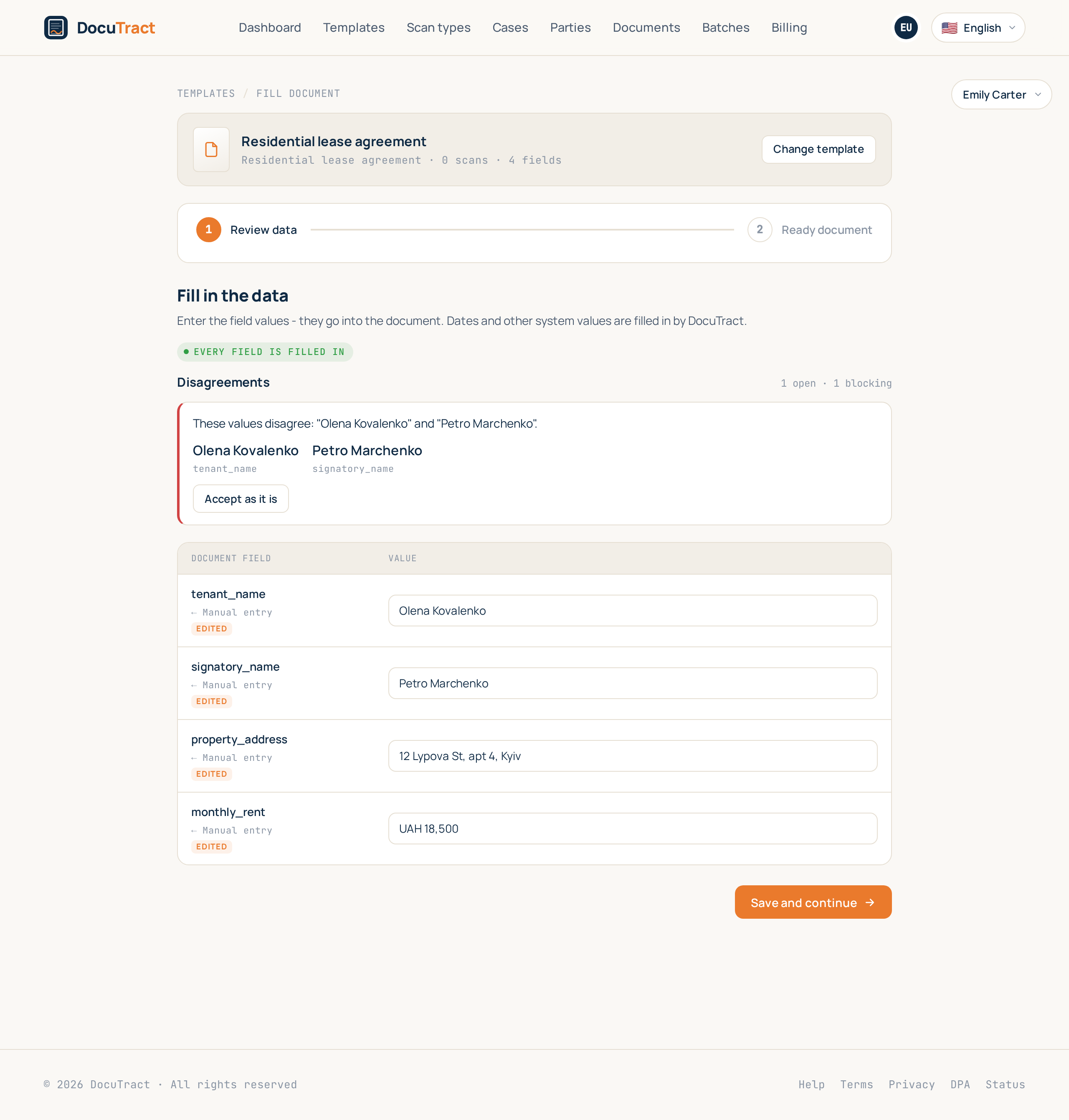
Cross checks are live. When two documents of a case say different things, DocuTract shows you both values and where each came from, before anything is generated.
The third feature of the wave comes out of the one thing DocuTract has always done that other tools do not: it remembers where every value came from. The page, the scan, the field. Once that is written down, an obvious question follows. If the product knows the name on the extract and the name on the certificate, why is it not comparing them?
Now it does.
What a check is
You describe checks yourself, on a template or on a whole case type. There are five kinds, and they are five because that is what actually goes wrong on paperwork:
- Values agree. The name in one place against the name in another. The comparison is generous where a human would be: "Ivanov O. P." and "Ivanov Oleksandr Petrovych" are one person, «LLC "Romashka"» and «LLC Romashka» are one company, and an account number is the same number whether or not it was typed with spaces. A checker that flagged those would be switched off within a week, which is worse than having no checks at all.
- A date is not too early. An extract that expires before the lease ends is a problem on the day it is signed, not on the day somebody notices.
- A total adds up, within a tolerance you set, because rounding on paper is normal and a missing line is not.
- A number is in range. A rent of zero. A term of four hundred months.
- A field is filled, and, if you ask for it, filled from a document rather than typed. That last one is the quiet favourite: a typed value is a value nobody read off a paper.
Warning, or a stop
Every check is one of two things. A warning appears on the review screen and stops nothing. A block does what it says: the document is not generated until a person accepts the disagreement.
That distinction is the whole reason severities exist. Your office decides which disagreements must not reach a signature. We do not decide that for you, and we do not quietly let a block through either: the refusal happens in the same place the document's status is checked, so a finding raised while somebody was reading the screen still stops the generation that started a moment later.
One decision, recorded
When a check fires you get the message, both values, and which field and page each came from. Then one control: Accept as it is.
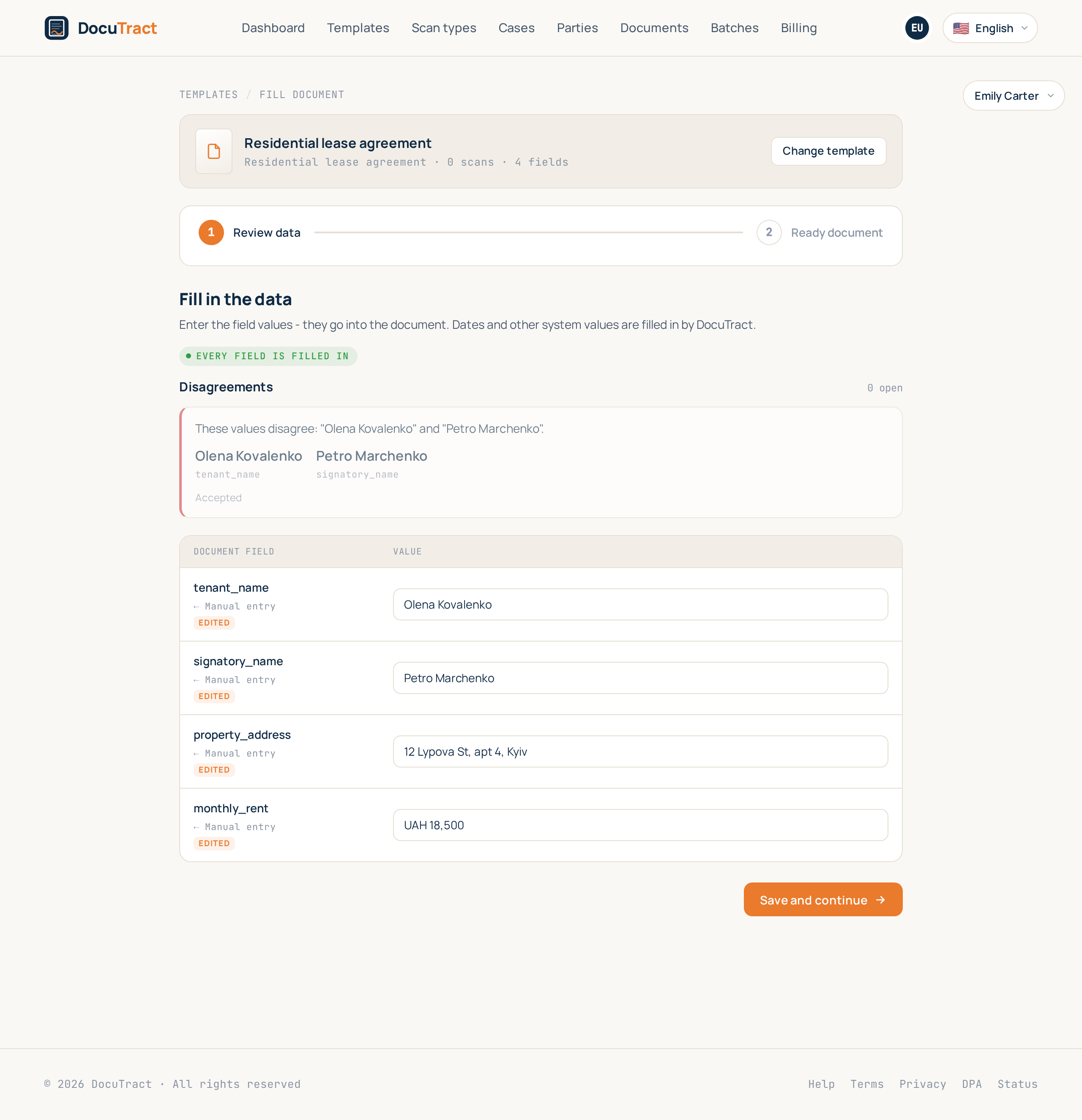
It is deliberately not a delete. The disagreement was real, somebody looked at it and decided the papers are right, and that is worth keeping: who accepted it and when stays on the record, and the finding stays on the screen, quietly, so the next person does not re-examine the same thing.
The acceptance is pinned to the exact values that disagreed. Change one of them afterwards and the check runs again and asks again. You accepted those values, not the rule.
Always current, never in the way
The checks run after a scan is read and after a value is corrected, across the whole case each time, because a value that lands in one document can resolve a disagreement in another. Nothing to press, nothing to wait for. If the checker itself fails, your document is untouched: the checks are an aid, not a step the pipeline depends on.
They are included in every plan. They are not a separate product, they are what "every value has a source" was always for. Your own rules, as opposed to the ones we ship, are part of the paid customisation, like the rest of the settings.
What is next
The fourth feature is a directory of parties: the landlord, the employer, the counterparty you type again for every deal, stored once with the source of each value and the date it was read, so a stale field says so instead of being filled in silently.
The whole list is in what we are building next, and the step by step for checks is in the help centre.
Keep reading
A template from the document you already have
You do not need to mark up a contract by hand to turn it into a template. Upload a finished document, and DocuTract proposes which parts change from client to client.
A password is no longer enough
Two-factor sign-in is live. Add an authenticator app to your account, and a stolen password stops being a way into your documents. Workspace owners can require it of the whole team.